September 08, 2024
Homebridge as Rosetta Stone
Exploring how Homebridge plugins can help connect proprietary home automation systems to each other
Concluded:
A client-side React app that generates file-renaming scripts from visual transformations.
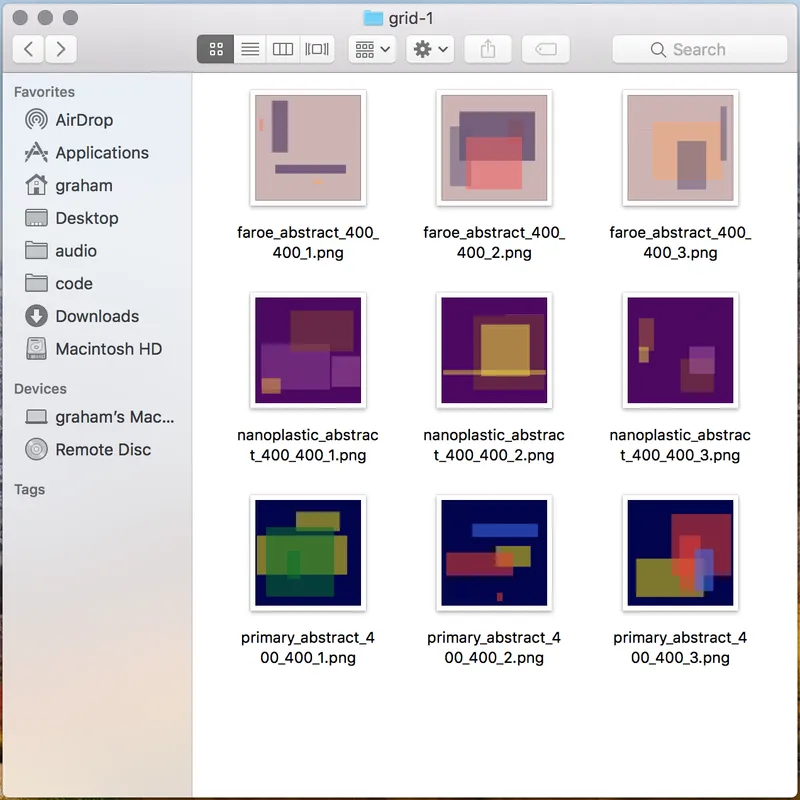
Renamer solves a common developer pain point: renaming groups of files that are too many to do by hand but too few to justify writing a custom script. It generates both Bash and PowerShell scripts from a series of visual transformations.
My work as a music producer frequently involves projects where I’m one of many stakeholders in the production process. This leads to exported audio files that need consistent naming - but DAW export naming systems are limited, and spotting a typo after clicking export means waiting for dozens of incorrectly-named files.
Renamer is a fully client-side React app. Many of its string transformations are state-dependent, so it has a top-level state that computes all the desired transformations and passes them to display components.
It was tempting to offload complexity to a library like Redux, but since the scope of the problem and the app are both constrained, I opted for Flux-like state management without a library.
The generated shell scripts are composed by stringing together atomic transform commands:
awk for transformationsI initially used sed for Bash and regular DOS for Windows, but switched when implementing more complex multipart transformations like ‘replace all’.
This was my first time using create-react-app instead of rolling my own starter package. The sane default Webpack config alone probably saved hours, and the development/testing infrastructure is excellent.
| Technology | Purpose |
|---|---|
| React | UI framework |
| Flux pattern | State management |
| awk | Bash string transformations |
| PowerShell | Windows script generation |
| Netlify | Hosting |
Get notified when I publish something new, and unsubscribe at any time.